This update is all about making your creative process smoother, from larger file uploads (a highly requested one lol) to project module upgrades, from more precise engraving to improved cutting machine calibration.
Here’s what’s new
IdeaStudio Desktop
Larger File Uploads & Saves
You can now upload and save files up to around 10 MB, perfect for bigger or more complex projects.
Project Management Improvements
You can now rename projects anytime, open multiple projects at once, and overwrite ones with the same name.
New Creative Tools
Added a Warp effect with 30 templates, available for both text and vector graphics.
Added Wi-Fi and IP connection options (requires firmware V2.0.15 or above).
Added an Air Pump function to prevent material scorching.
Added Overscanning for sharper corners and more precise engraving.
Cutting Machine 2 Calibration Upgrade
Now supports material-based calibration. Your calibration settings will be saved and automatically matched next time, helping reduce material waste from repeated calibration.
LOKLiK App
Laser Engraving Optimization
Added Air Pump and Overscanning functions for cleaner, sharper engraving results.
Cutting Machine 2 Calibration
You can now calibrate based on different materials and save each set of parameters for quicker use.
New Auto Tumbler Heat Press Positioning
Added a visual guide for the heat press area, making it easier to locate and align your design accurately.
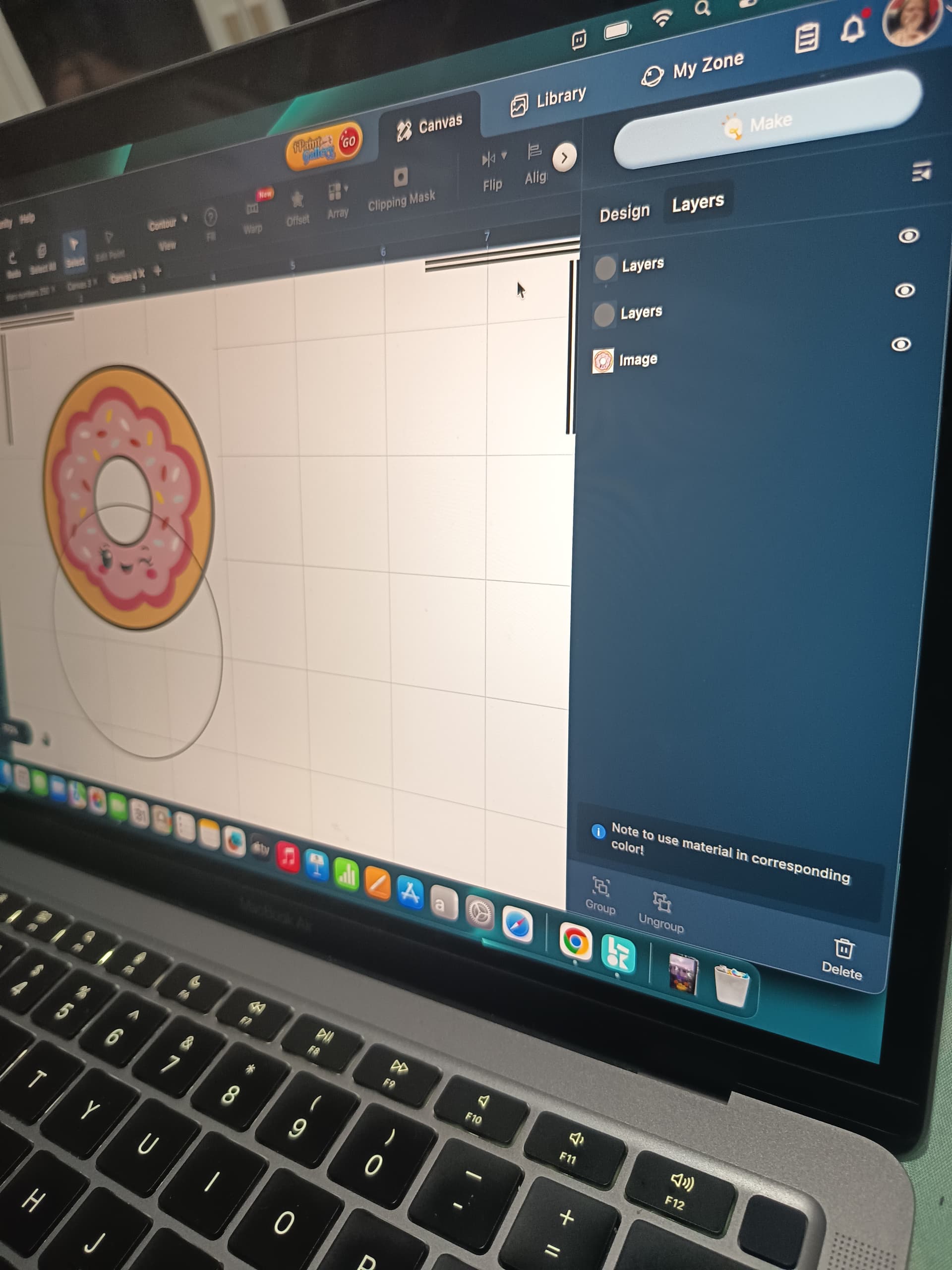
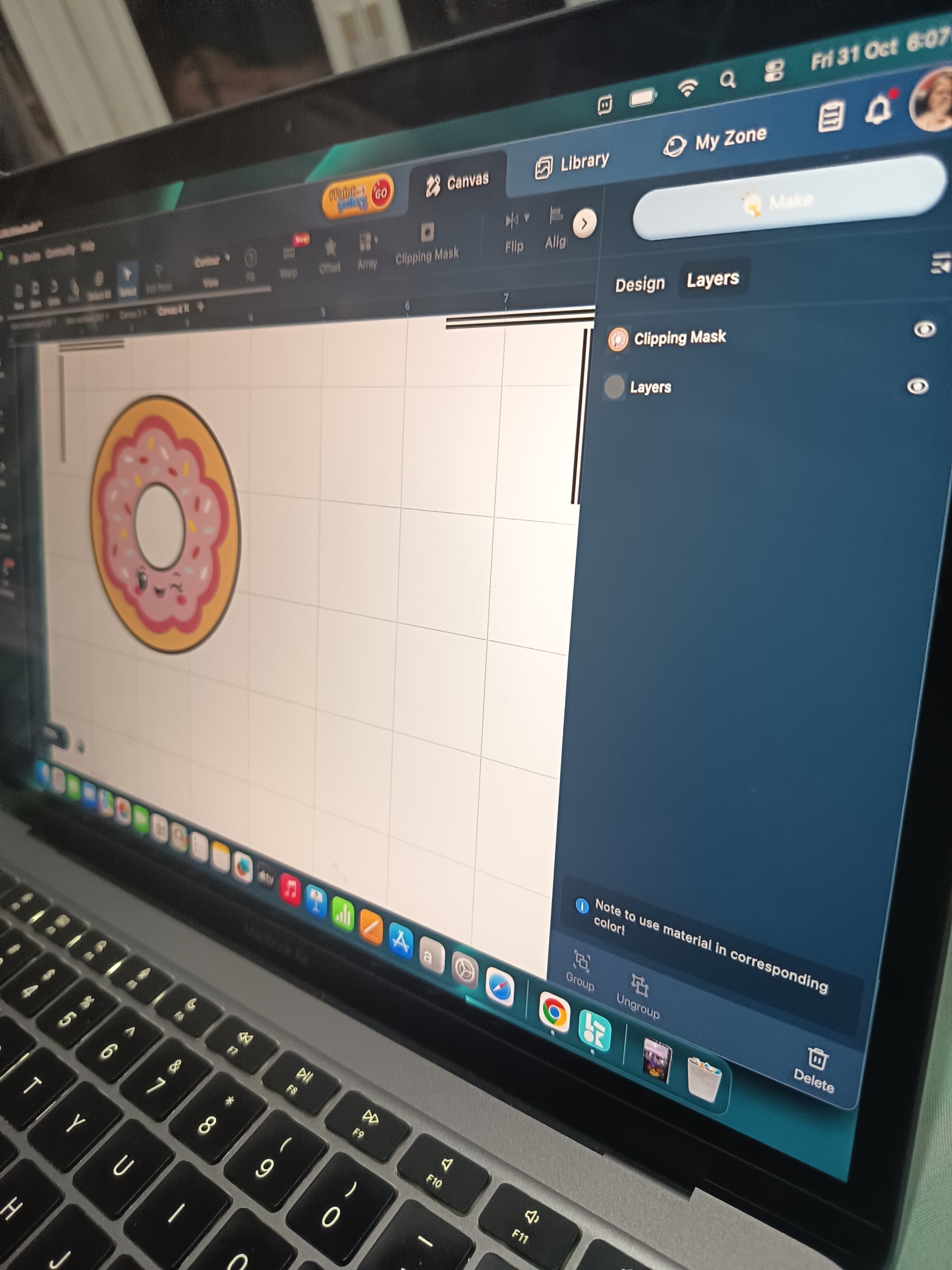
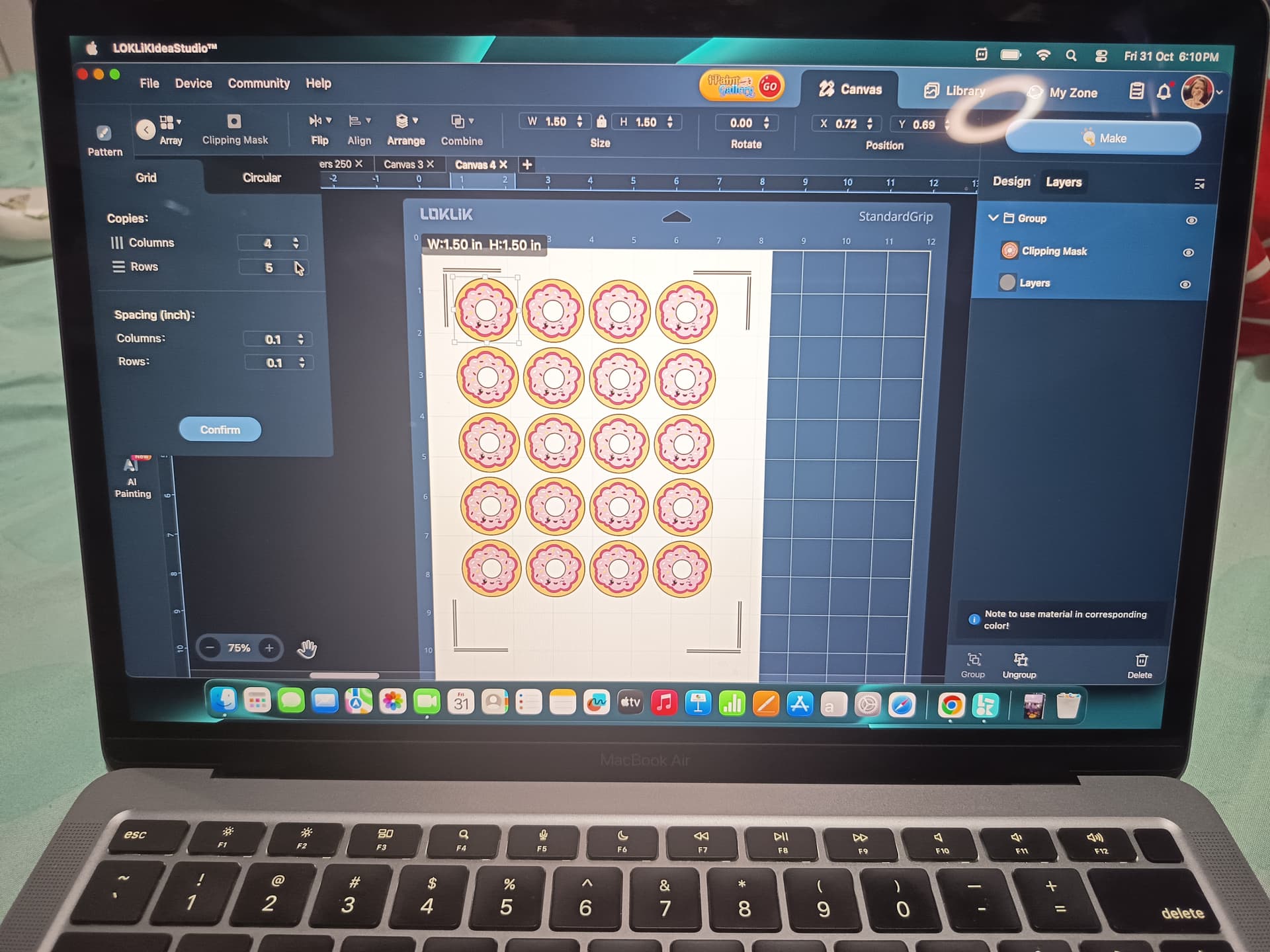
New Mask Feature
Combine images and text more freely for flexible, creative designs.
Other Improvements
Upload limit raised to around 10 MB.
Projects can now be renamed and overwritten when saving.
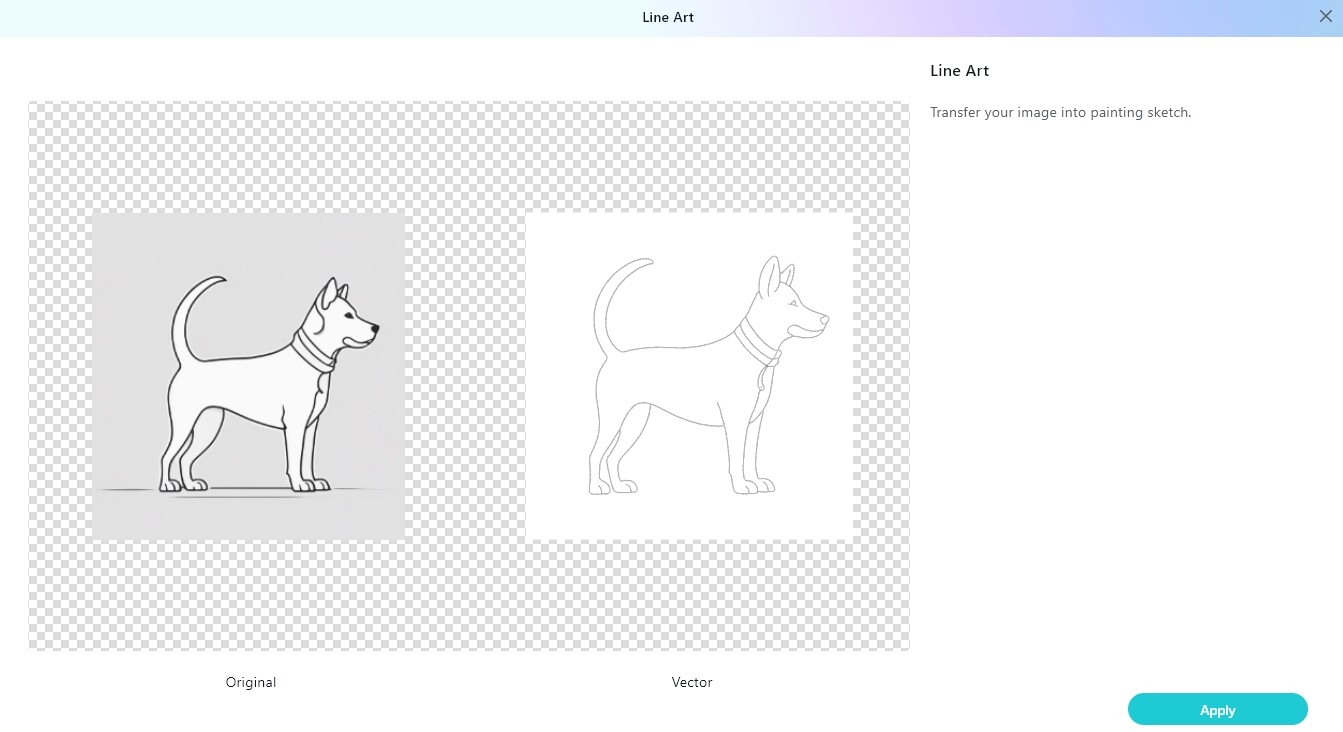
Upgraded sketch tool for smoother outlines.
Coming Soon (IdeaStudio Desktop & LOKLiK App)
More shape options in the Shape tool
Improved Printable Calibration flow
Enhanced Printable Cutting Marks (maybe another highly requested one lol)
Optimized Material Management
Since shape optimization is already on the way, we’d love your input!
Tell us what shapes you’d like to see added next in the Shapes tool.
We’re keeping an eye on your feedback, and some of your favorites might just make it into future updates.
Thank you so much for the update about the LOKLiK Idea Studio update. It’s great seeing functions and features that have been asked for come to the app. So exciting
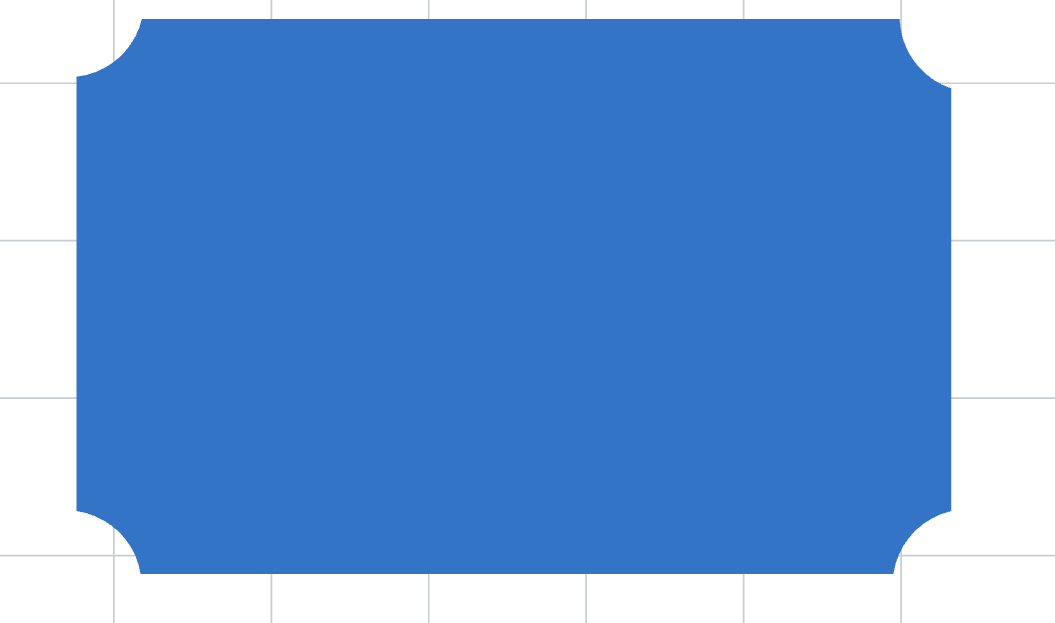
Would love to see some different shapes like different gift tag shapes, different banner shapes, moons, diamonds, arrows, tear drops. Also, some shapes like the square and rectangle that have a perforated cut along each side kind of like the look of a stamp.
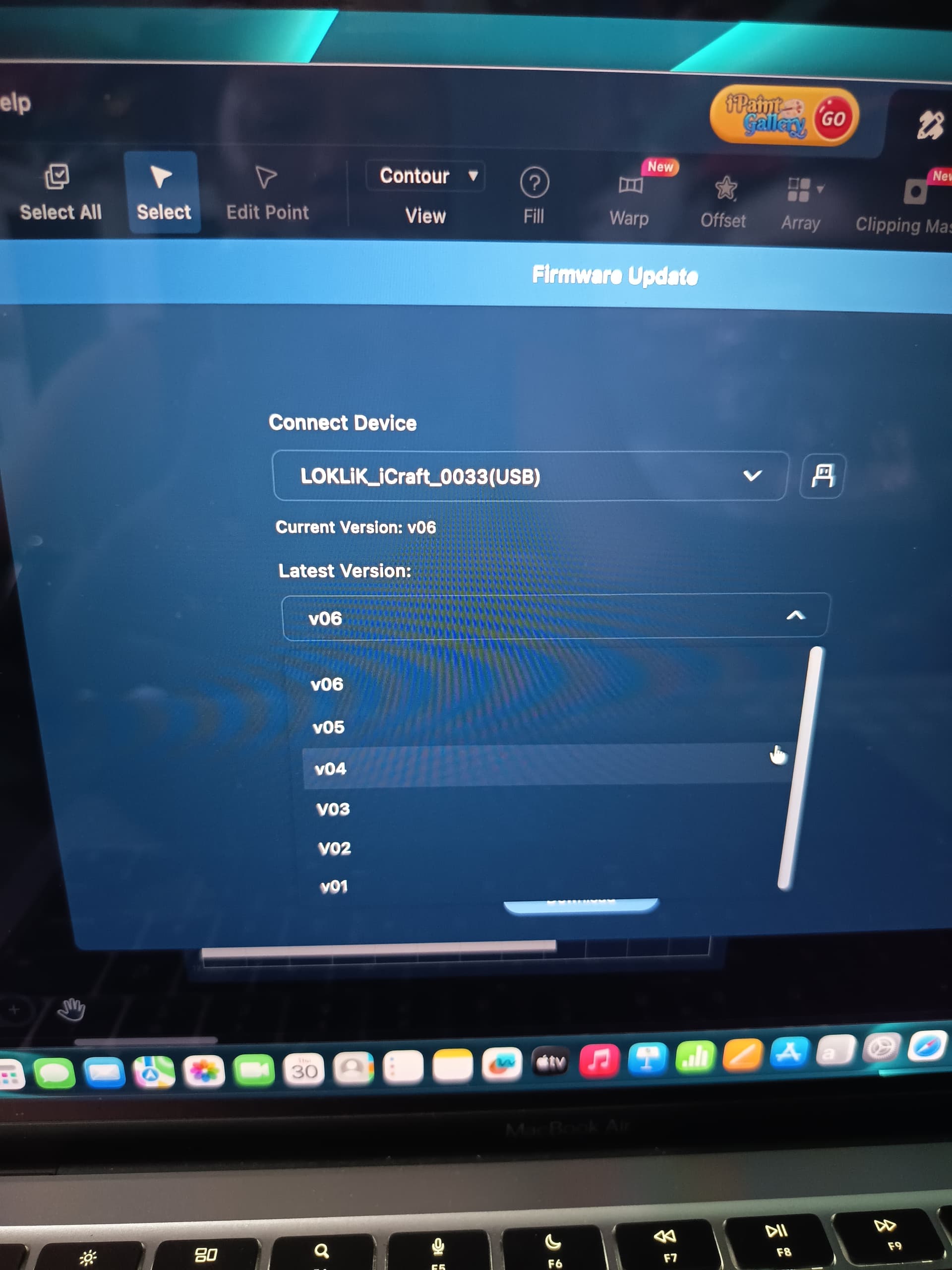
The v07 firmware for iCraft will be released within the next couple of days, so it’s not available on your side just yet. Once it goes live, you’ll be able to update normally.
Thank you for the update. There is a problem with updating the machine connected to PC should it work now?
Also slicing images is very important for print and cut projects we really need this function.
When a person sends me a square png logo design and needs to be done as circles I need to select a circle, place it on the image and then slice it so I can get a round logo instead of a square one.
Bonjour,
J’aurai aimé que pour le texte on puisse faire des contours et remplir.
Actuellement on ne peut pas avoir les deux en même temps, sur le même projet, on est obligé faire des toiles différentes.
Put 2 circle shapes on top of the image
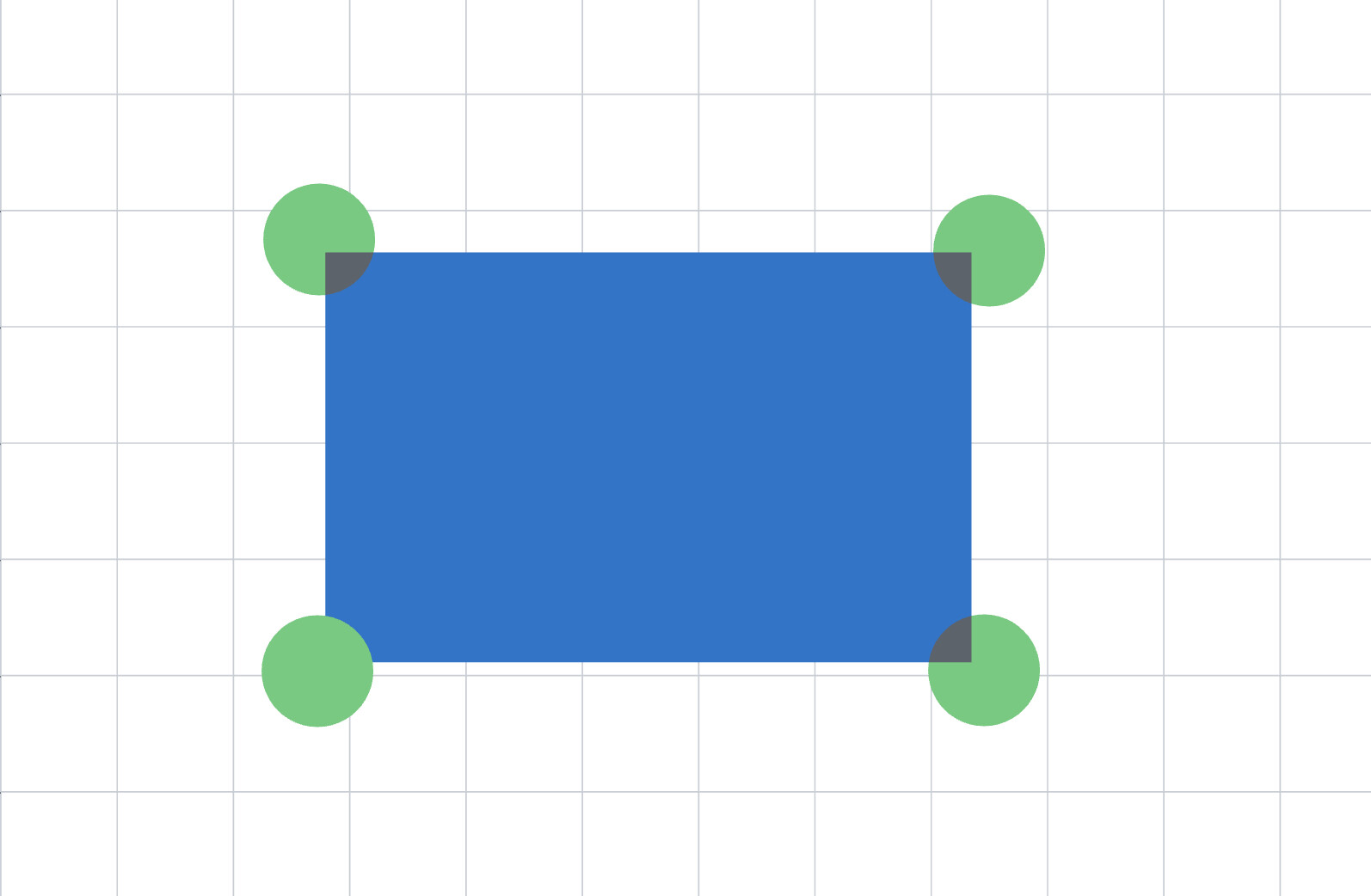
Choose the circle shape directly on top of the image then clipping mask. That should turn the image to a circle shape.

 IdeaStudio Desktop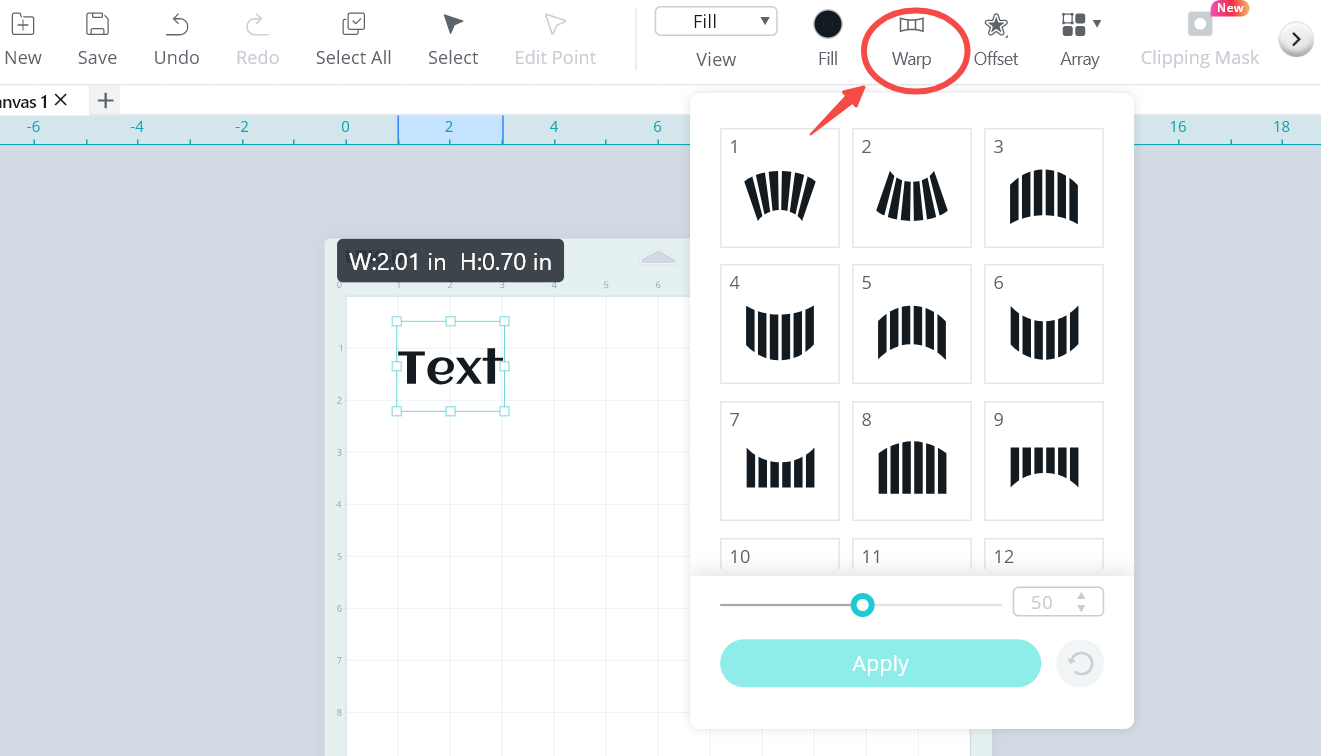
 LOKLiK App
 Coming Soon (IdeaStudio Desktop & LOKLiK App)
 Since shape optimization is already on the way, we’d love your input!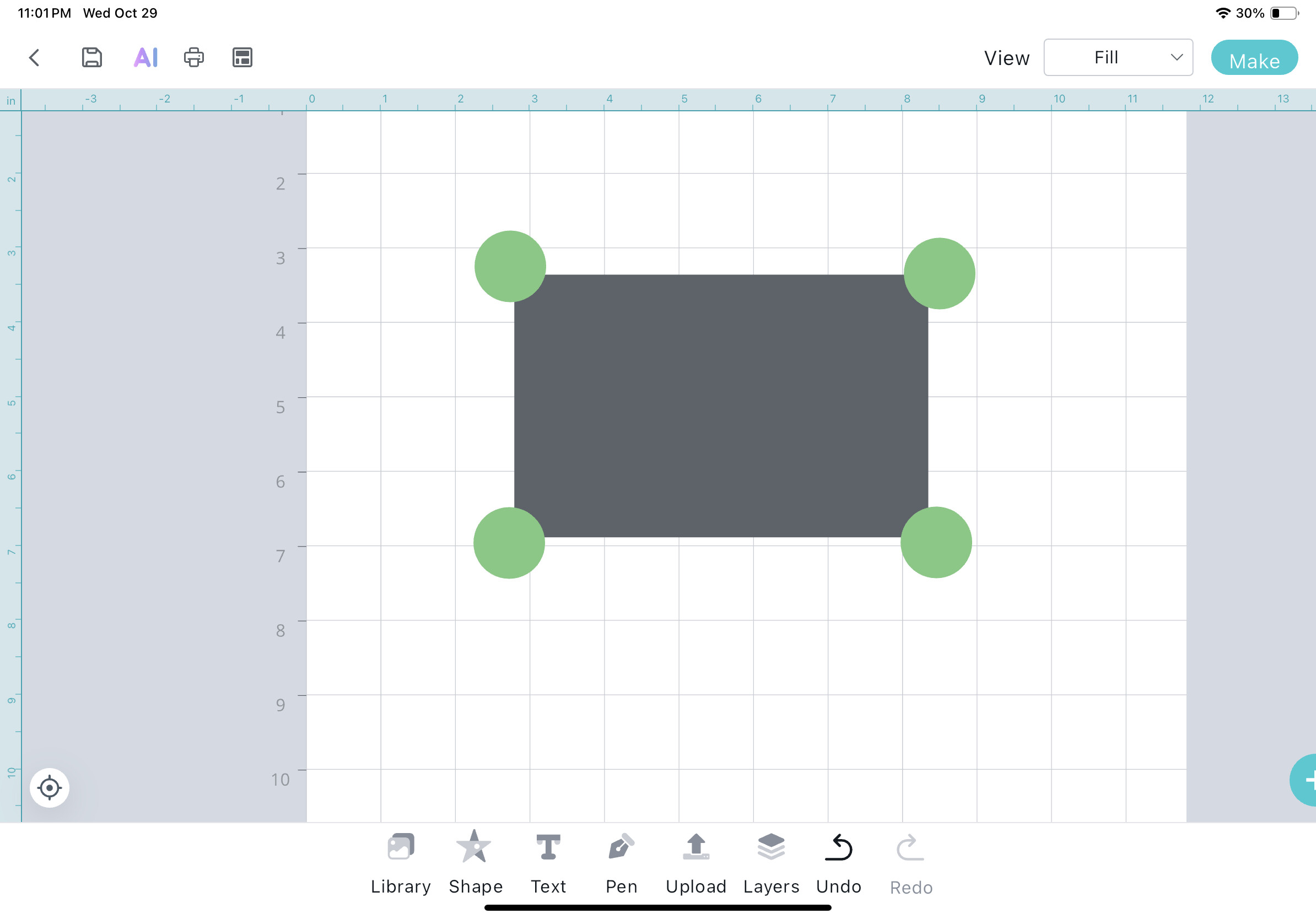

 … Love to see that wrap is now available on desktop version…

 🩷
🩷