• Server sync delay – Sometimes the device needs a moment to fetch the latest firmware info from the server. Try refreshing or restarting the update menu.
• Firewall or network restrictions – Even with a connection, certain network settings might block access to the firmware server.
• Missing or corrupted config file – The device might be missing the metadata file that tells it what firmware version is currently installed.
• Firmware already up to date – In some cases, if no update is available, the field might appear blank instead of showing the current version.
If anyone has run into this and found a fix, feel free to share! I’ll keep digging and update if I find a confirmed solution.
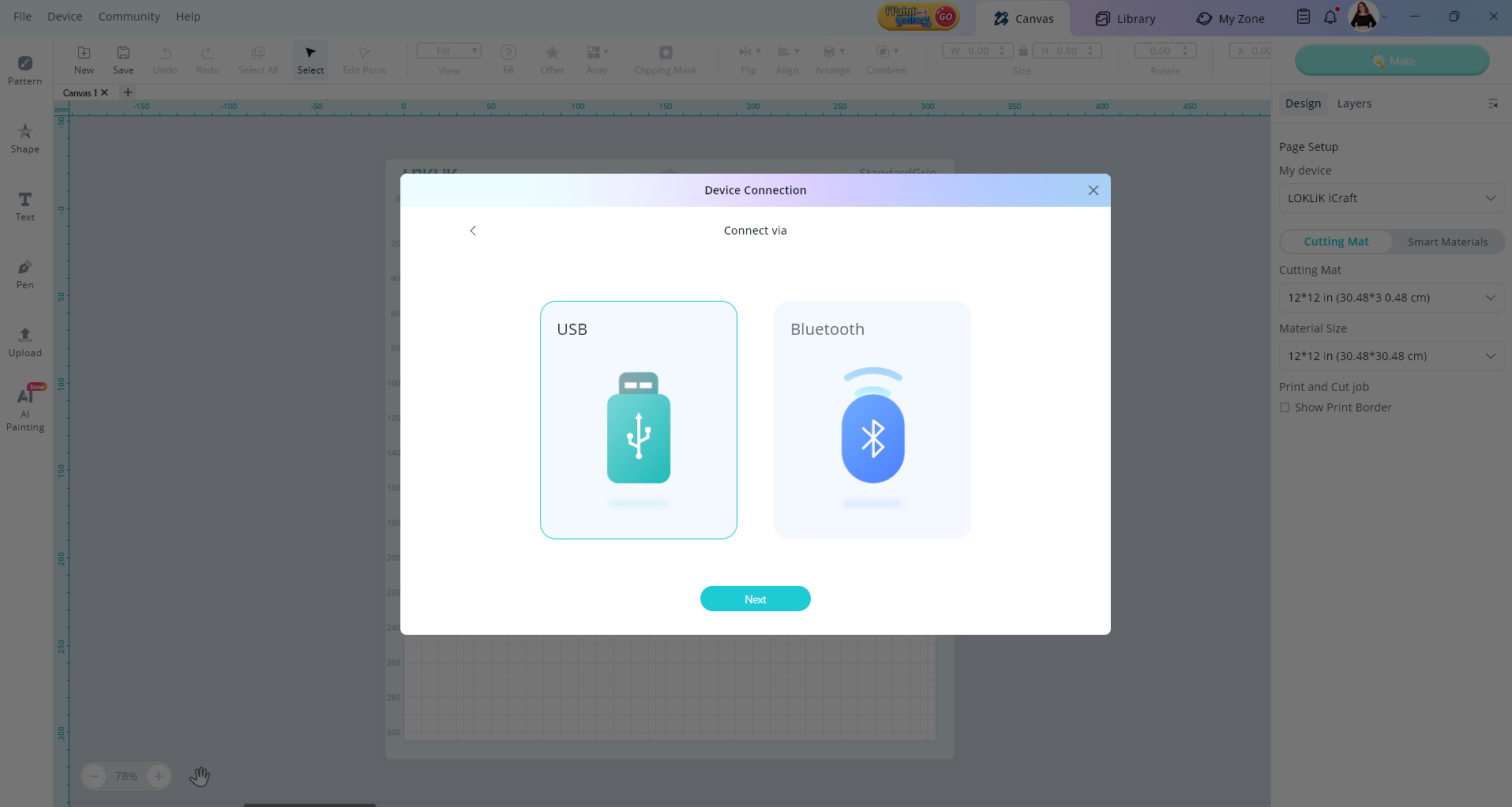
Hello @Klaus_K welcome to the community, this may seam like a silly question but do you have the usb cable connected, because this will not work if you use Bluetooth (web connection) to do this step. Once you have the usb data cable connected you will be able to use the arrow on the side of the field and select the latest formware version.
Some things that may help also to test what the problem might be.
Have you tried connecting the machine with USB to make sure it’s connecting.
Turn on your device and plug the square end into the machine and the USB end into your computer.
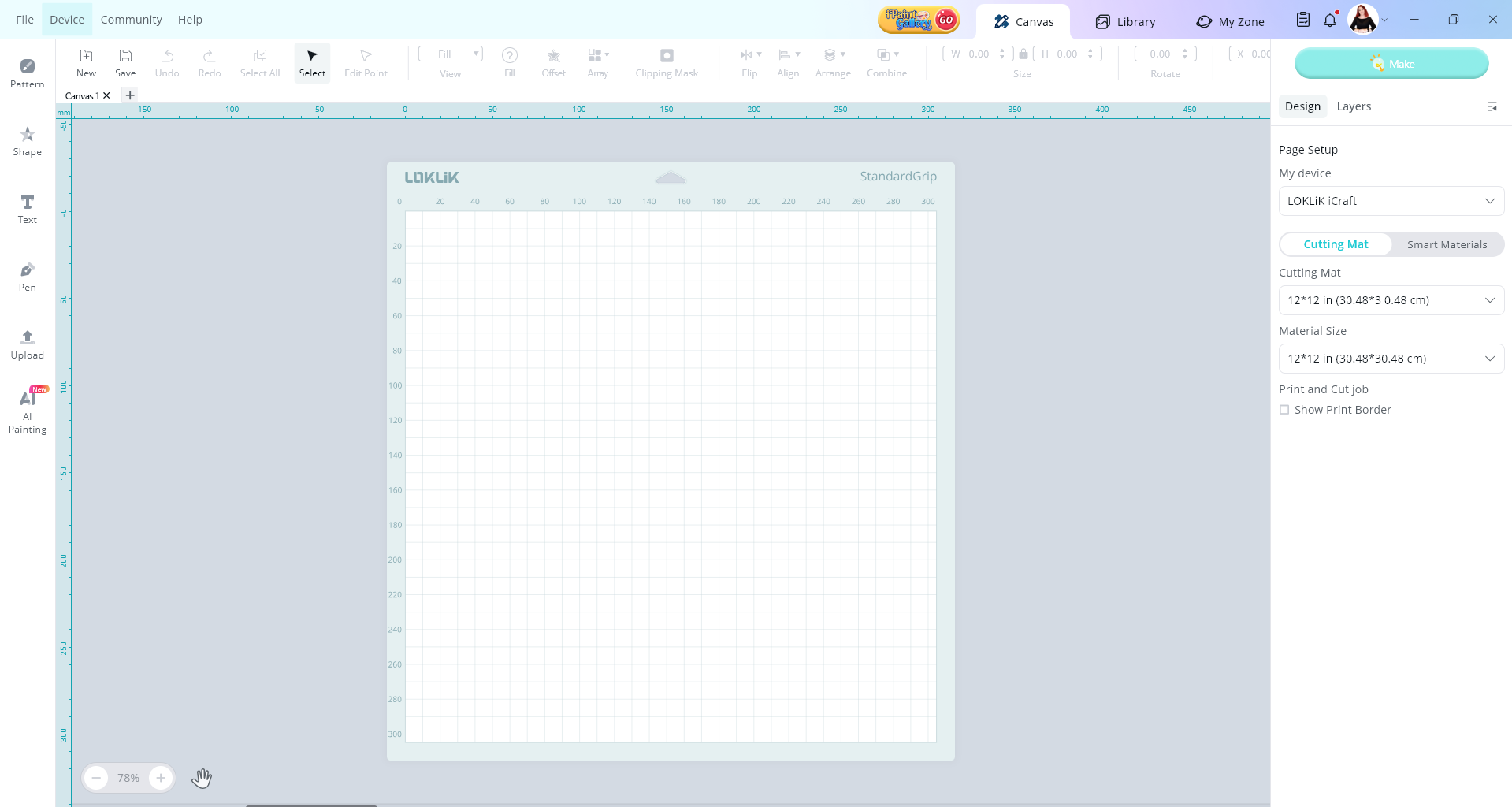
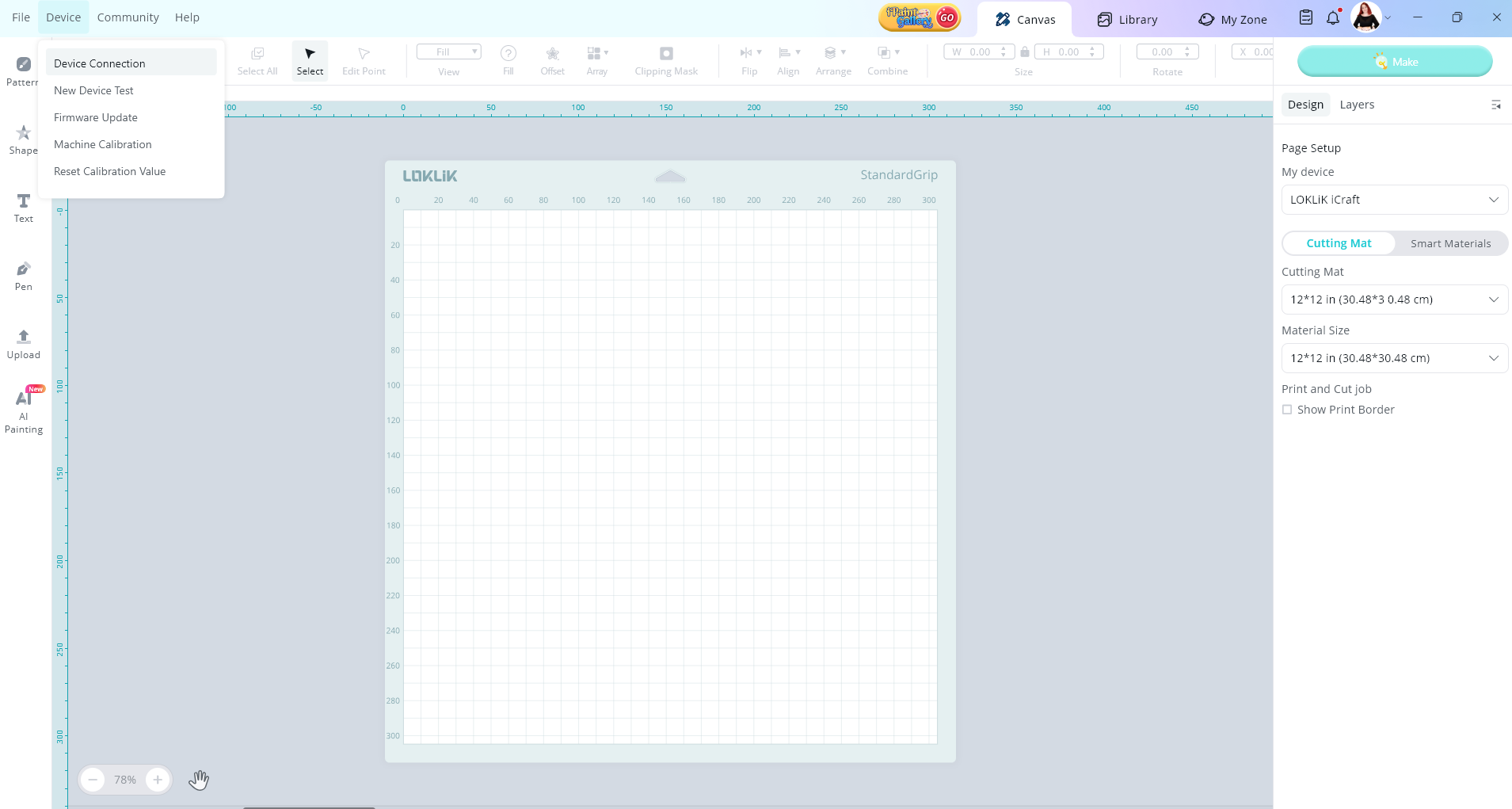
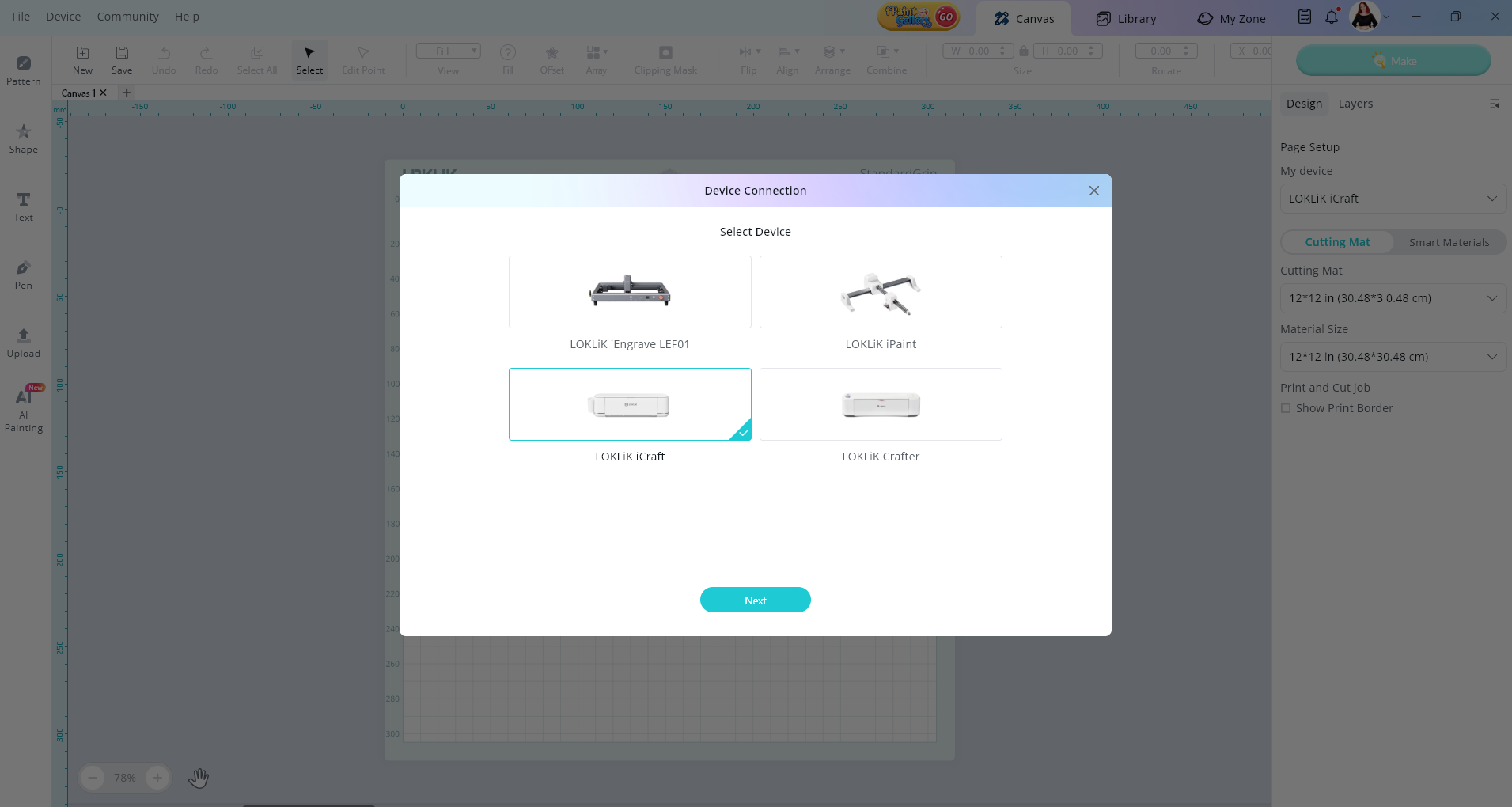
Go to Device on the top left of your screen
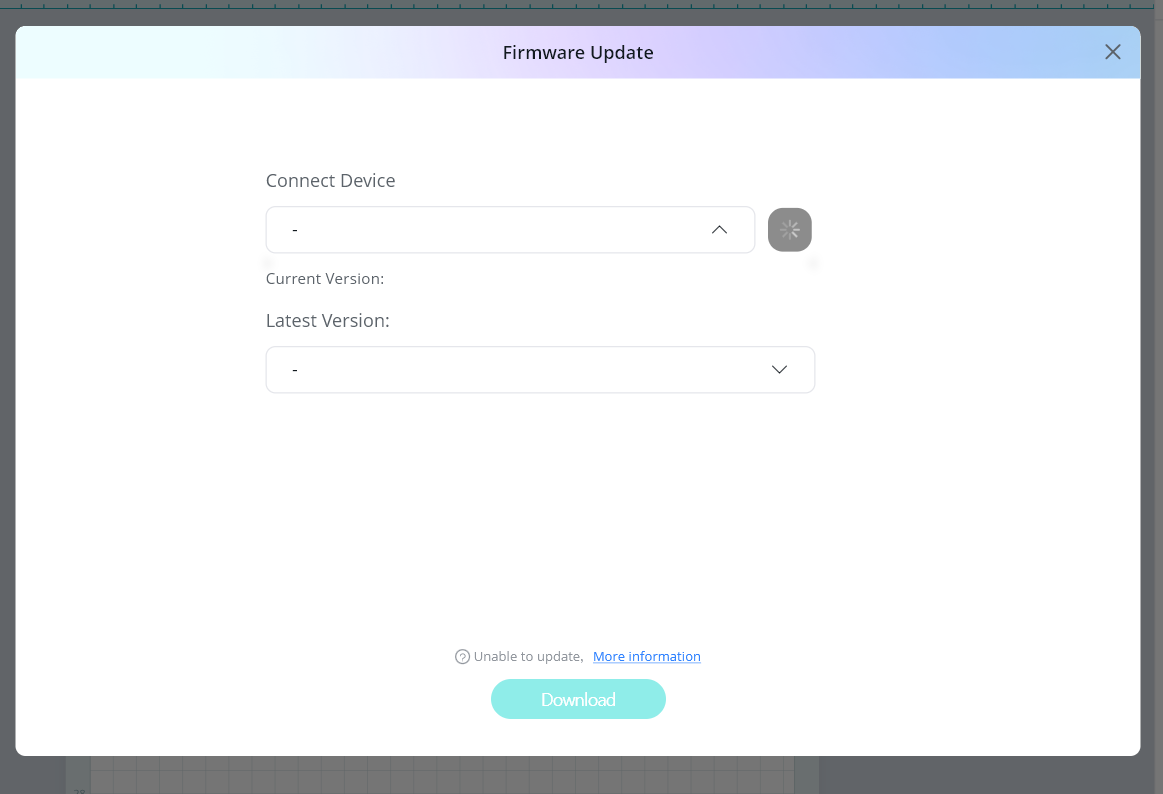
 Server sync delay – Sometimes the device needs a moment to fetch the latest firmware info from the server. Try refreshing or restarting the update menu.
 Firewall or network restrictions – Even with a connection, certain network settings might block access to the firmware server.
 Missing or corrupted config file – The device might be missing the metadata file that tells it what firmware version is currently installed.
 Firmware already up to date – In some cases, if no update is available, the field might appear blank instead of showing the current version.